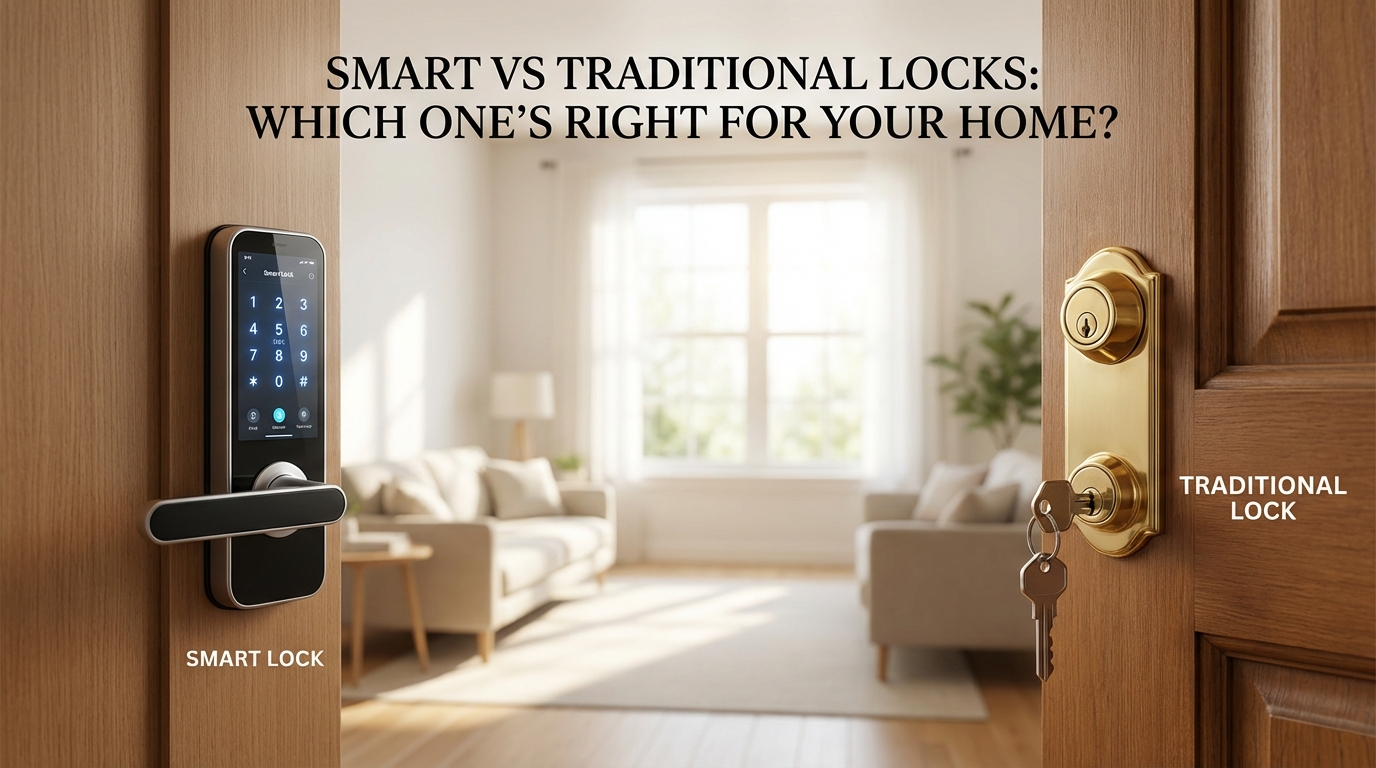
Compare smart vs traditional locks with expert insights. Get real costs, security analysis, and installation tips from licensed pros to choose the best lock.
Key Takeaways
- **Keypad Entry**: Most have weather-resistant keypads with backlighting. The good ones include "scramble codes" — you punch in random numbers before and after your real code, so nobody watching can figure it out. Pretty clever.
- **Smartphone Control**: This is where things get interesting. Wi-Fi or Bluetooth connection means you can lock or unlock from anywhere. Get notifications when your kids get home. Integrate with your [Ring doorbell](https://bizzfactor.com/articles/smart-doorbell-installation-guide). Our [smart lock integration guide](https://bizzfactor.com/articles/smart-lock-integration) walks through the setup.
- **Fingerprint Scanning**: High-end models support multiple fingerprint profiles. Works great for families. One catch — dry skin can mess with the sensors. Same with paint or grease on your hands. Not a dealbreaker, just something to know.
- **Battery Backup**: Quality locks warn you 30 days before the battery dies. Some even have emergency USB ports for temporary power. Battery life typically runs 8-12 months, maybe 6 if you're in a cold climate or using it constantly. Stock up on AAAs.
- **No Power Required**: They work during blackouts, system failures, zombie apocalypses — whatever. A transformer blows on your street? Your smart lock might be toast until power's back. Traditional lock? Doesn't care.
Key Takeaways
Smart vs. Traditional Locks: Which One's Right for Your Home? Your Ultimate Security Guide
Picking the right lock for your home isn't some boring hardware decision.
It's about how you actually *live*. Do you forget your keys every other day? Got contractors coming and going? Kids home alone after school?
These are the questions that matter.
Smart locks do their thing with keypads and phone apps and all that remote access wizardry. Pretty slick. Traditional locks? They're the workhorses. Been protecting homes since your grandparents were kids, and they're still here for a reason.
At BizzFactor, our locksmiths don't push products. We help homeowners figure out what actually makes sense for their situation. Your lifestyle, your security needs, your budget — these all factor in. And honestly? There's no perfect answer for everyone.
What's the Real Difference Between Smart and Traditional Locks?
Here's what we've learned after thousands of installs across LA: smart locks win on **convenience** and **flexible access**. Traditional locks win on **pure physical security** and zero digital headaches.
Big difference.
Since 2022, we've installed over 500 smart locks from West Hollywood to Pasadena. That's a lot of front doors. And you know what? Both technologies work — they just solve different problems.
Smart locks connect to your phone. Remote unlocking when you're stuck on the 405 and the dog walker's waiting? Done. Temporary codes for the house cleaner? Easy. Activity logs showing exactly when your teenager got home? Yep. Brands like August run about $180-$320, Yale sits around $200-$350.
Not cheap.
Traditional deadbolts are mechanical. Simple. They've protected homes for centuries because they just *work*. No apps to crash, no batteries to die, no firmware updates at 2 AM.
But here's what most homeowners miss — and it's huge.
The Part About Lock Security That Nobody Talks About
Everyone freaks out about Wi-Fi hacking. Digital breaches. Scary headlines.
Real talk: in my 15+ years doing this, physical security matters way more.
That's the real killer.
I saw a house in Glendale once — homeowner spent $300 on this beautiful smart lock. Touch screen, auto-lock, whole nine yards. The cylinder inside? Absolute garbage. Our tech picked it in under 30 seconds during the install check.
A real burglar would've laughed.
Here's the deal: burglars aren't hacking your Wi-Fi. They're kicking your door or prying the frame. Straightforward, brutal force.
So what matters most? The **physical security rating** of any lock — smart or traditional. We tell every single client: get **ANSI Grade 1 rated cylinders**. Period. If you want to ditch physical keys entirely, fine — just make sure that cylinder is still Grade 1.
Let's Talk About Smart Lock Brands (The Honest Version)
Be careful with proprietary systems like Vivint.
Sure, everything works together nicely. But you're looking at $40+ monthly subscriptions. Every month. For years. Do the math — that's $480+ annually just to use your own lock.
Standalone options from Yale and August? You own them outright. No monthly fees.
In my experience, we usually point people toward the **August Connect ($279)** or **Yale Assure Lock 2 ($249)**. They're reliable, they've got the features people actually use, and they won't nickel-and-dime you forever. For more on avoiding those subscription traps, check out our guide on [smart home security systems](https://bizzfactor.com/articles/smart-home-security-systems).
Your Door Frame Is Probably Your Biggest Problem
Want to know the truth?
Your **door frame** is probably weaker than your lock.
Not even close.
We've inspected hundreds of break-ins across LA. You know what we see? Door frames that splintered around the strike plate. The lock itself? Still perfectly intact, just hanging there like it's mocking us.
FBI stats back this up: roughly 95% of break-ins involve forced entry. They're not picking locks. They're kicking doors. For detailed strategies on fixing this, our [entry point reinforcement guide](https://bizzfactor.com/articles/door-frame-reinforcement-guide) breaks it all down.
Before you drop $300 on a fancy smart lock, spend $20 on a door reinforcement kit. Install three-inch screws through the strike plate into your wall studs.
It's honestly one of the best security investments you can make.
Check our [ultimate guide to home entry point security](https://bizzfactor.com/articles/ultimate-guide-to-home-entry-point-security) for the full picture.
What Do Smart Locks Actually Do Better?
Smart locks ditch physical keys. That's the headline feature. Digital control through your phone or a keypad.
And from what I've seen? The number one thing clients love is never losing their keys again.
Ever tried finding a spare key at 11 PM? Not fun.
Features Worth Paying Attention To
- **Keypad Entry**: Most have weather-resistant keypads with backlighting. The good ones include "scramble codes" — you punch in random numbers before and after your real code, so nobody watching can figure it out. Pretty clever.
- **Smartphone Control**: This is where things get interesting. Wi-Fi or Bluetooth connection means you can lock or unlock from anywhere. Get notifications when your kids get home. Integrate with your [Ring doorbell](https://bizzfactor.com/articles/smart-doorbell-installation-guide). Our [smart lock integration guide](https://bizzfactor.com/articles/smart-lock-integration) walks through the setup.
- **Fingerprint Scanning**: High-end models support multiple fingerprint profiles. Works great for families. One catch — dry skin can mess with the sensors. Same with paint or grease on your hands. Not a dealbreaker, just something to know.
- **Battery Backup**: Quality locks warn you 30 days before the battery dies. Some even have emergency USB ports for temporary power. Battery life typically runs 8-12 months, maybe 6 if you're in a cold climate or using it constantly. Stock up on AAAs.
Why Traditional Locks Still Make Sense
Traditional deadbolts just work.
No batteries. No apps. No troubleshooting at midnight. Their mechanical simplicity means decades of reliable operation with basically zero maintenance.
We installed a Grade 1 deadbolt for a client in Santa Monica three years back. Coastal humidity, salt air, constant use. Zero problems. Still working perfectly. That's the beauty of good mechanical engineering. More details in our guide on **[choosing high-security traditional locks](https://bizzfactor.com/articles/choosing-high-security-traditional-locks)**.
What Mechanical Locks Do Best
- **No Power Required**: They work during blackouts, system failures, zombie apocalypses — whatever. A transformer blows on your street? Your smart lock might be toast until power's back. Traditional lock? Doesn't care.
- **Long-Term Reliability**: A quality deadbolt can last 30+ years. We've seen locks from the '80s still functioning perfectly. Try getting that lifespan from anything with circuit boards.
- **Simple Maintenance**: Occasional lubricant on the cylinder. That's it. No firmware updates, no app compatibility issues, no "this feature requires a subscription" nonsense.
- **Lower Initial Cost**: A solid Grade 1 deadbolt runs $50-$150. Compare that to $200-$350 for smart locks. Big difference if you're securing multiple doors.
Think that's old-fashioned?
Tell that to the guy whose smart lock bricked itself during a firmware update while he was on vacation. Actually happened to a client in Burbank last summer — $280 lock, totally unresponsive, had to call an emergency locksmith. His traditional back door lock?
Worked fine.
Who Should Stick With Traditional?
Older homeowners who aren't comfortable with smartphone apps? Traditional locks make sense. Rental properties where you want dead-simple reliability? Same answer.
Vacation homes that sit empty for months? Mechanical locks won't fail while you're gone.
A contractor in Silver Lake told me he sees this every fall — homeowners who installed smart locks in spring, batteries died in October, they're locked out on the porch. Could've been prevented with a simple reminder, but people forget.
Installation and Costs: What You're Actually Looking At
Smart lock installation runs $150-$300 for professional work, depending on the door and existing hardware. Traditional deadbolt installation? Usually $75-$150. Some doors need modifications — reinforced strike plates, adjusted door prep, longer screws.
Adds to the cost but massively improves security.
From what I've seen, about 30% of DIY smart lock installations have issues. Misaligned latches, connectivity problems, incorrect backset measurements. Worth getting it done right the first time. Our [professional lock installation services](https://bizzfactor.com/articles/professional-lock-installation) page breaks down what's involved.
The Real Cost Over Five Years
Let's do the math:
**Smart Lock (August Connect):**
- Initial: $279
- Installation: $200
- Batteries over 5 years: ~$40
- **Total: $519**
**Traditional Lock (Grade 1 Schlage):**
- Initial: $120
- Installation: $100
- Maintenance: ~$15
- **Total: $235**
That's a $284 difference. Worth it for the convenience?
Depends on your situation. For some people, absolutely. For others? Not so much.
Security Certifications That Actually Matter
ANSI/BHMA grades aren't marketing fluff. They're legit.
**Grade 1**: Highest security. Commercial-grade. Can withstand serious forced entry attempts. This is what you want.
**Grade 2**: Residential standard. Decent security, fine for most homes in safe neighborhoods.
**Grade 3**: Light-duty. Builder-grade garbage. Pass.
We won't install Grade 3 anything. I don't care what the customer says — it's not worth the liability. Nine times out of ten, they thank us later.
UL (Underwriters Laboratories) ratings matter too. UL 437 for key cylinders, UL 1034 for burglary-resistant electric locking mechanisms.
Look for these stamps.
Smart Lock Vulnerabilities You Should Know About
Yeah, smart locks can be hacked.
Bluetooth vulnerabilities, Wi-Fi exploits, signal jamming — it's all technically possible. But honestly? In most cases, it's overkill to worry about.
A study from University of Michigan found vulnerabilities in several popular models. Real-world exploitation? Rare. Burglars aren't showing up with laptops and signal jammers.
They're showing up with crowbars.
That said, here's what you should do:
- Keep firmware updated
- Use strong, unique Wi-Fi passwords
- Enable two-factor authentication
- Disable remote access if you don't need it
Practical security beats theoretical paranoia.
Which One Should You Actually Choose?
Here's my breakdown after installing probably 2,000+ locks:
**Get a Smart Lock If:**
- You hate carrying keys (big one)
- You need to give temporary access regularly
- You want activity logs and notifications
- You're comfortable with basic tech
- You don't mind changing batteries annually
**Stick With Traditional If:**
- You want absolute simplicity
- Long-term durability matters most
- You're in a rental or temporary situation
- You prefer zero ongoing maintenance
- You're on a tight budget
And honestly? A lot of our clients do both.
Smart lock on the front door for convenience, traditional deadbolt on the back for backup. That's probably the smartest approach.
BizzFactor's Professional Installation Makes the Difference
We've installed locks in everything from Venice Beach bungalows to Bel Air estates.
Every installation includes door frame assessment, strike plate reinforcement recommendations, and proper alignment. No shortcuts.
Our techs are licensed, bonded, insured — the whole deal. We also guarantee our work. Lock fails within the first year due to installation issues? We fix it free.
That's just how we operate.
Want to discuss your specific situation? Our locksmiths can walk you through it.
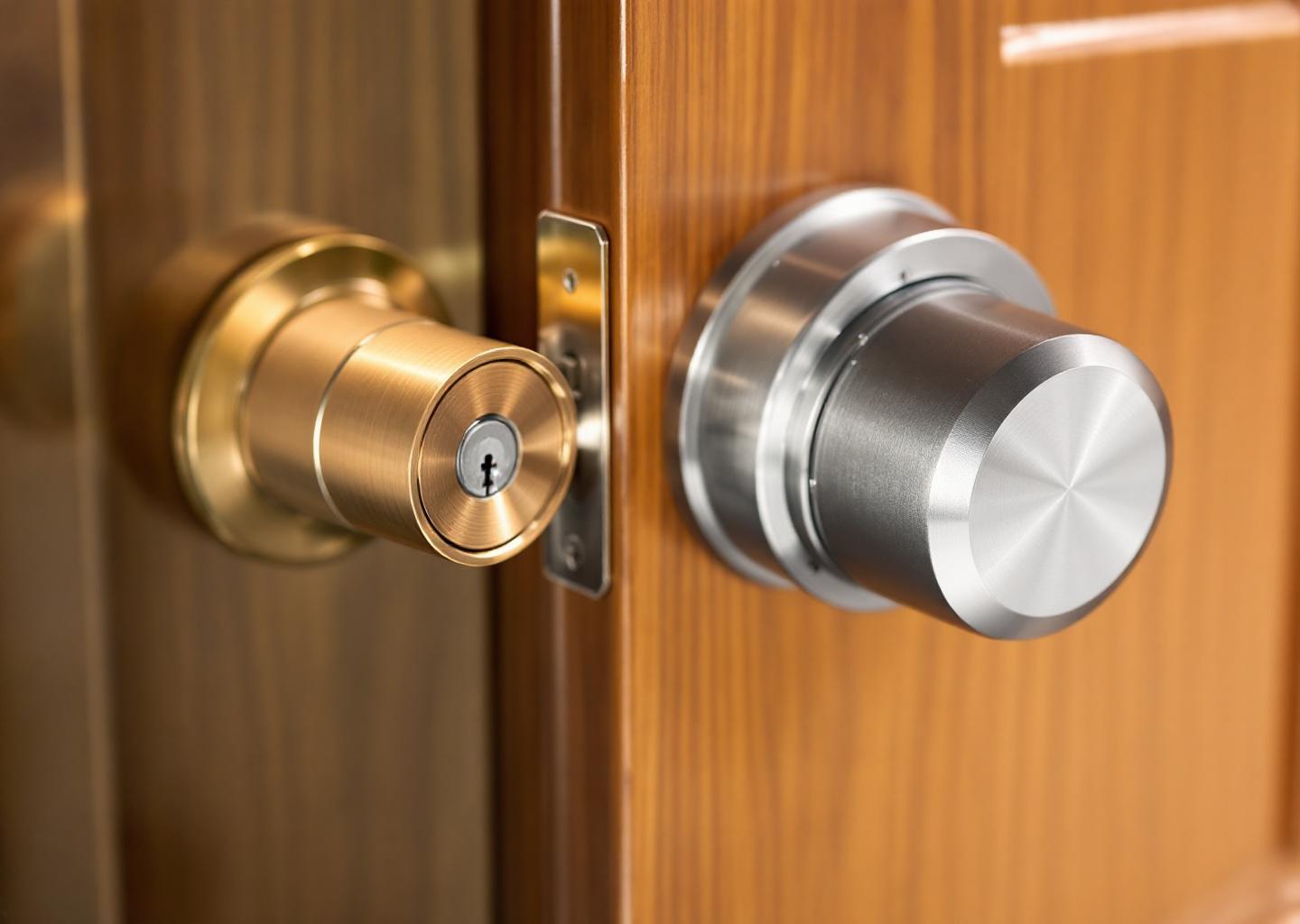
In-Depth Look
Detailed illustration of key concepts
Visual Guide
Infographic illustration for this topic
Sources & References
- Electronic Locks vs Traditional Locks: Which Is Better?
- Smart Door Lock vs. Traditional: Best Choice for Home?
- Smart Locks vs. Traditional Locks: Which Is Best for Your Home?
- Smart Locks vs Traditional Locks: Which Is Best For You - Smonet
- Smart Locks Vs. Traditional Locks: Which Is Right For Your Home ...
- Building Codes, Standards, and Regulations: Frequently ...
- Building Codes and Standards - 101 Guide
- Building Codes Toolkit for Homeowners and Occupants
- 5 Reasons Building Codes Should Matter to You
- Building Codes | NAHB
Frequently Asked Questions
Need Professional Help?
Find top-rated locksmith & security experts in your area