Quick Answer
Okay, so here's the quick version. Your smart lock is eating batteries, and it's driving you nuts. Nine times out of ten, it’s either you're using cheap batteries, your Wi-Fi signal is weak, or—and this is the big one—your door is misaligned. That misalignment makes the motor work way too hard. First thing to do: toss the old batteries and put in a fresh set of brand-name Lithiums or Alkalines—whatever the manufacturer says. Cost you maybe $10-20. Then check the door. If that doesn't solve it, we'll dig deeper.
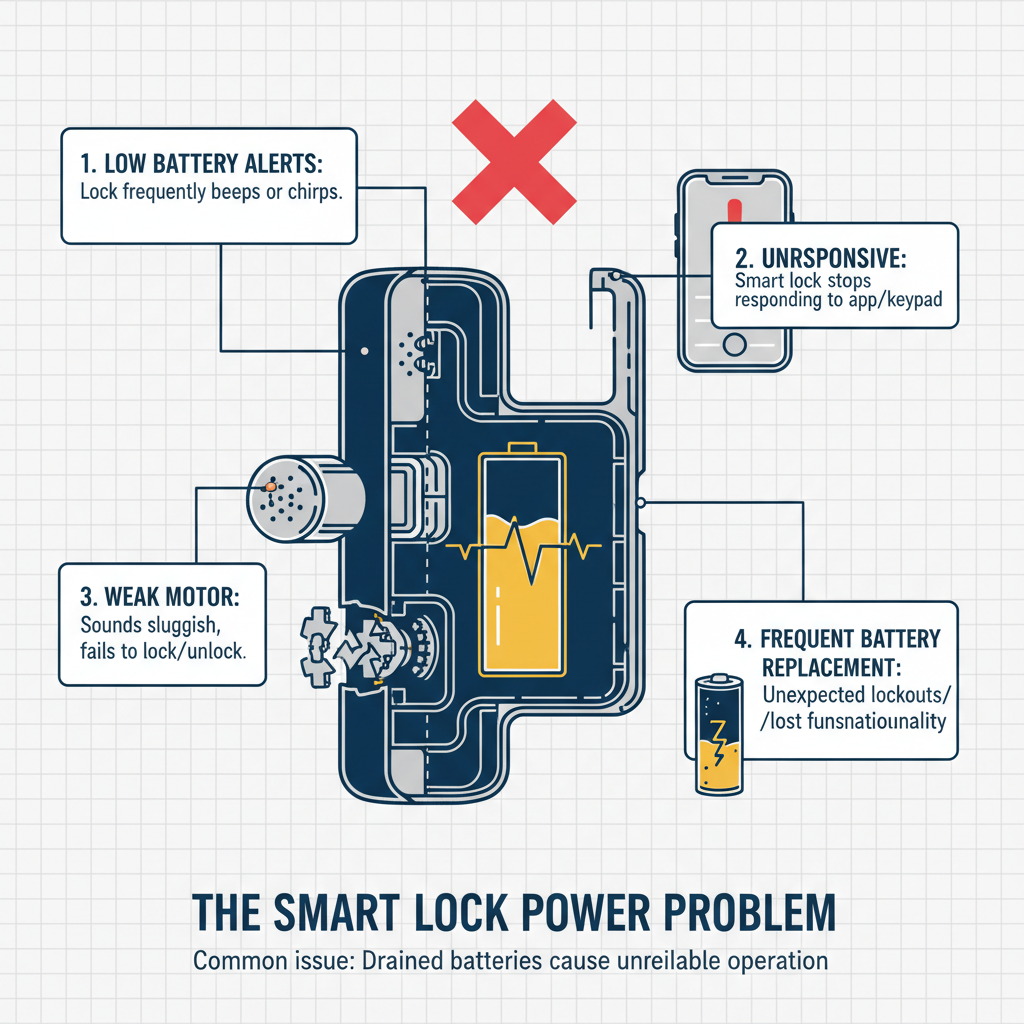
Common Symptoms
Possible Causes
Step-by-Step Diagnosis
Step 1
Replace all current batteries with a fresh set of high-quality, manufacturer-recommended batteries.
Step 2
Test the deadbolt's operation with the door open, then closed, to check for signs of rubbing or binding (misalignment).
Step 3
Check the smart lock's app for Wi-Fi or Bluetooth signal strength readings.
Step 4
Use the app to check for and install any available firmware updates.
Step 5
Inspect the strike plate on the door frame for scratches or wear marks indicating a poor fit.
Step 6
Monitor the battery life over several weeks after performing the above steps to see if the issue is resolved.
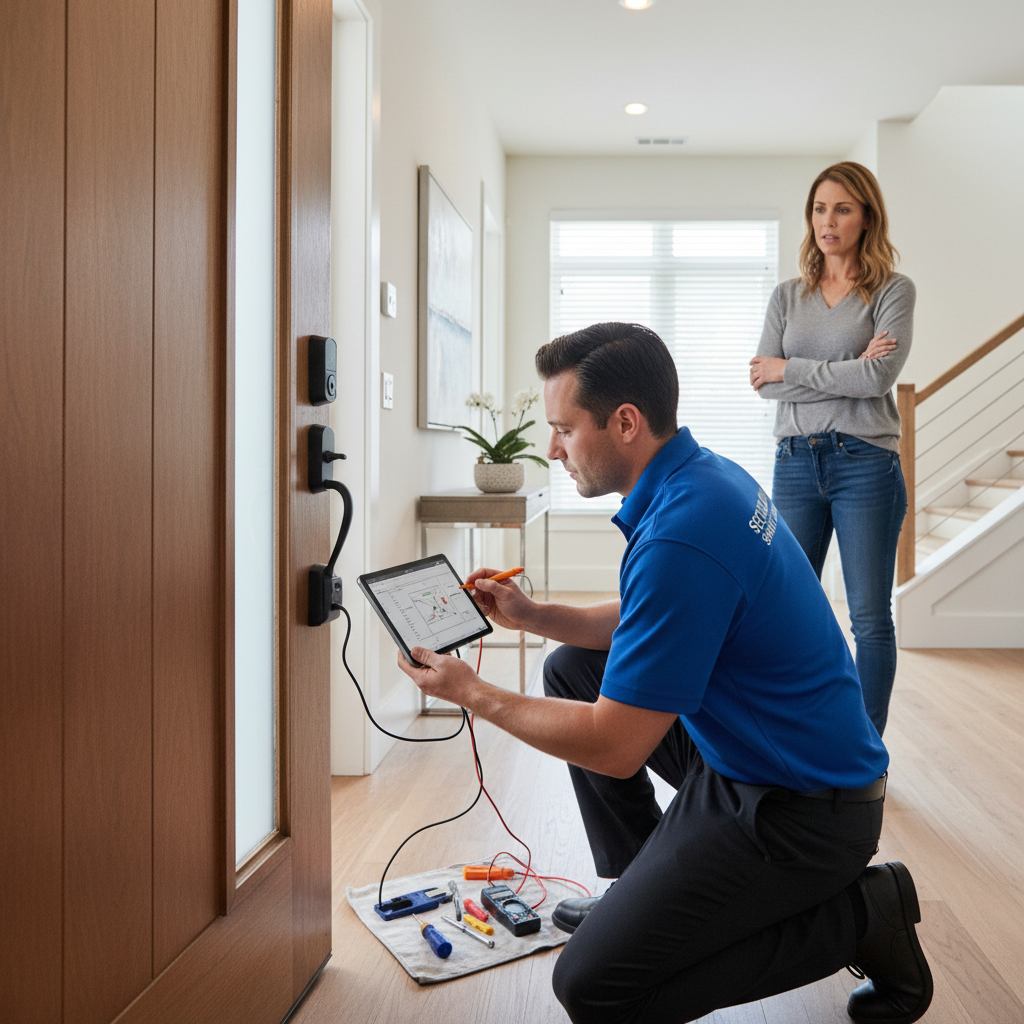
DIY vs Professional Costs
| Repair Type | DIY Cost | Professional Cost | Time Required |
|---|---|---|---|
Battery Replacement Most Common | $10-25 | $95-150 (Service Call) | 5 minutes |
Door/Strike Plate Alignment | $0-10 | $100-175 | 30-60 minutes |
Firmware Update | $0 | N/A (Part of diagnosis fee) | 15 minutes |
Full Lock Replacement | $150-400 (for new lock) | $100-250 (plus lock cost) | 1-2 hours |
When to Call a Professional Locksmith
- You are locked out of your house and do not have the backup physical key.
- A fresh set of high-quality batteries drains completely in just a few days or weeks, suggesting a hardware fault.
- The door or frame is significantly warped and requires more than a simple strike plate adjustment.
- After trying all the basic troubleshooting steps, the lock continues to malfunction.
- You are not comfortable using tools to adjust your door's alignment and want it done correctly.
Prevention Tips
- Use only high-quality alkaline (Duracell/Energizer) or lithium batteries as specified by the manufacturer.
- Replace all batteries at the same time; never mix old and new batteries.
- Proactively change batteries every 6-12 months, setting a calendar reminder.
- Keep a backup physical key in a secure location outside your home, like a car or with a neighbor.
- Regularly check that the deadbolt operates smoothly without friction when the door is closed.
- Ensure the smart lock's firmware is always kept up-to-date through its mobile app.
- If the lock's location has a weak signal, consider adding a Wi-Fi extender to reduce power consumption.
Frequently Asked Questions
Related Guides
Keyless entry pad / Electronic lock keypad unresponsive or malfunctioning (no power, incorrect code not recognized, flashing lights) Troubleshooting & Fixes
Key is stiff to turn or hard to turn in a door lock, potentially indicating internal mechanism issues, lubrication needs, or foreign object interference. Troubleshooting & Fixes
Key Stuck In Car Ignition Troubleshooting & Fixes (2024 Guide)
Key stuck in your car's ignition and won't turn or come out? Our expert guide covers symptoms, causes, and step-by-step fixes for a stuck ignition key.
Key fob or car remote not working, including failure to lock/unlock doors, remote start malfunction, or vehicle not recognizing the key fob, often stemming from electronic or programming issues. Troubleshooting & Fixes
Car key fob not working? Learn how to fix lock, unlock, or remote start issues. Our guide covers battery replacement, reprogramming, and when to call a pro.
Basement Window Lock is Busted? Here's How to Fix It (The Real Way)
Basement window lock broken or just stuck? A 25-year vet locksmith shows you the real-world fixes, from simple lubricant to full replacement. Know when to DIY and when to call a pro.
Master Key Systems for Your House? (A Real Locksmith's Guide)
Thinking about a master key system for your home? A veteran locksmith explains the real-world pros, cons, and costs of getting rid of that giant key ring.
Need Professional Help?
Find top-rated locksmith experts in your area