Quick Answer
Okay, so your smart lock probably isn't connecting to Wi-Fi because of dead batteries or a weak signal. It's almost always one of those two. Start by putting in a fresh set of *good quality* lithium batteries. Not the cheap ones. If that doesn't work, reboot your router and the lock itself. Nine times out of ten, that'll do it. A DIY fix like this costs you maybe $15-25 for batteries. If you need a pro to come out and troubleshoot your network, you're usually looking at $75-$150 just for the service call.
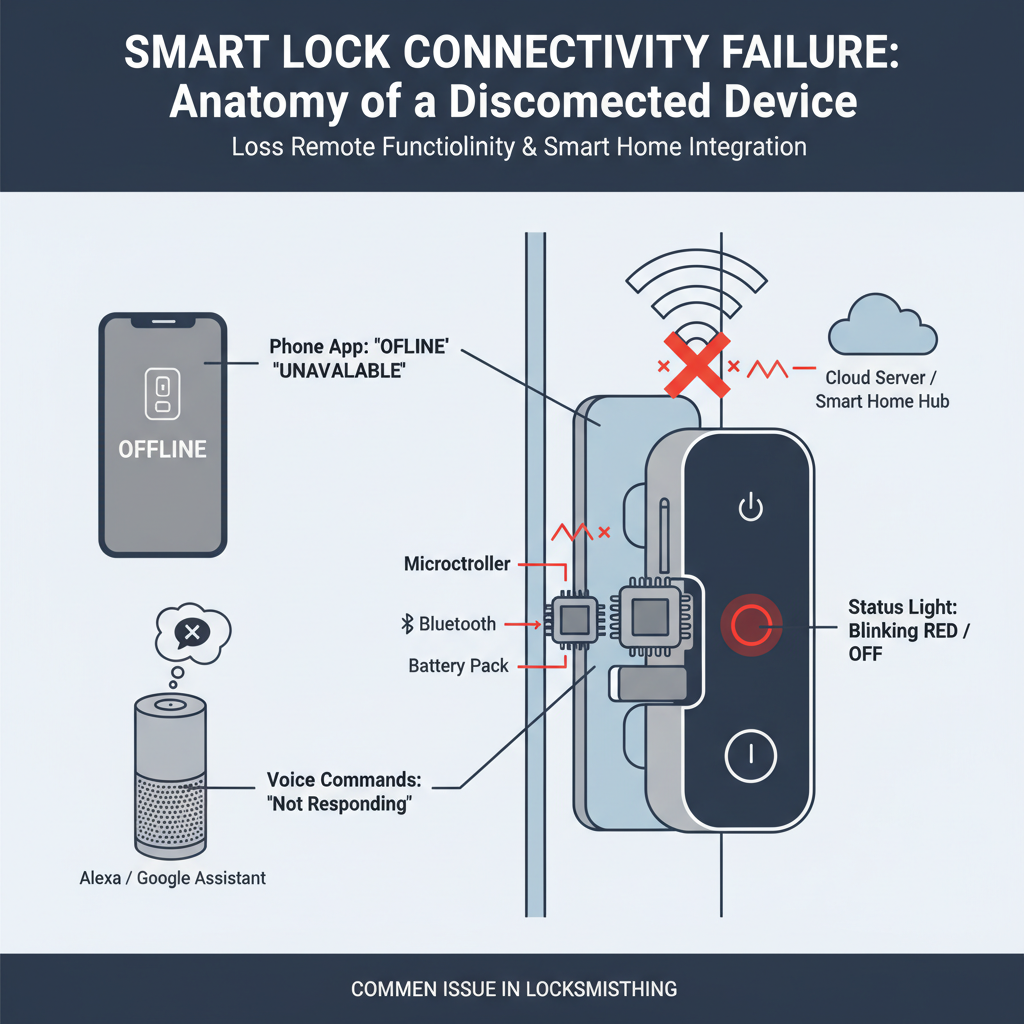
Common Symptoms
Possible Causes
Step-by-Step Diagnosis
Step 1
Replace the batteries with a brand new set of Energizer Ultimate Lithium AAs. Don't trust the app's battery meter.
Step 2
Check your Wi-Fi signal strength by standing next to the lock with your phone. If you have less than two bars, that's your problem.
Step 3
Power cycle everything. Unplug your modem and router for 60 seconds, then plug them back in (modem first). Remove and reinsert the lock's batteries after the network is back online.
Step 4
Log into your router's settings and ensure you have a separate 2.4GHz network enabled. Disable features like 'band steering' or 'smart connect' that might be confusing the lock.
Step 5
Verify you are using the correct Wi-Fi network name (SSID) and a password you've typed in very carefully.
Step 6
As a last resort, perform a factory reset on the lock (check manufacturer instructions) and attempt the setup process from scratch.
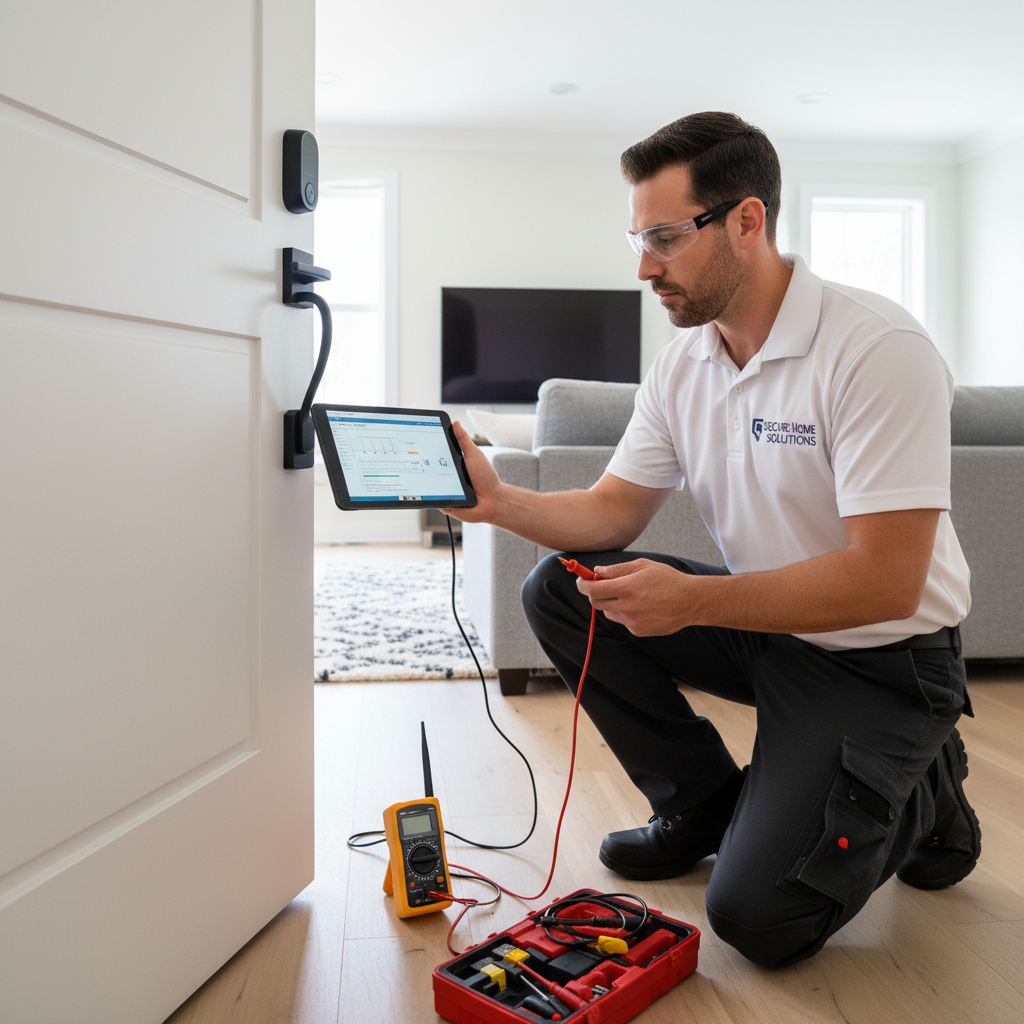
DIY vs Professional Costs
| Repair Type | DIY Cost | Professional Cost | Time Required |
|---|---|---|---|
Battery Replacement Most Common | $10-25 | $0-50 | 5 minutes |
Router/Lock Reboot & Settings | $0 | $75-150 | 30-60 minutes |
Wi-Fi Extender/Mesh Install | $50-250 | $150-350 | 1-2 hours |
Factory Reset & Re-Pairing | $0 | $75-175 | 45 minutes |
When to Call a Professional Locksmith
- You've already tried fresh lithium batteries and rebooted your network with no success.
- You're not comfortable logging into your Wi-Fi router's admin panel to change network settings.
- You suspect the lock itself has a hardware failure (e.g., it won't power on at all).
- Multiple smart devices in your home are experiencing connectivity issues, pointing to a larger network problem.
Prevention Tips
- Install a mesh Wi-Fi system to ensure a strong, consistent signal at every corner of your house, including your doors.
- Use high-quality lithium batteries and proactively replace them every 6-8 months, regardless of what the app says.
- Create a dedicated 2.4GHz 'guest' network for all your smart home devices to keep them isolated and happily connected.
- Periodically check for and install firmware updates for both your smart lock and your Wi-Fi router.
Frequently Asked Questions
Related Guides
Keyless entry pad / Electronic lock keypad unresponsive or malfunctioning (no power, incorrect code not recognized, flashing lights) Troubleshooting & Fixes
Key is stiff to turn or hard to turn in a door lock, potentially indicating internal mechanism issues, lubrication needs, or foreign object interference. Troubleshooting & Fixes
Key Stuck In Car Ignition Troubleshooting & Fixes (2024 Guide)
Key stuck in your car's ignition and won't turn or come out? Our expert guide covers symptoms, causes, and step-by-step fixes for a stuck ignition key.
Key fob or car remote not working, including failure to lock/unlock doors, remote start malfunction, or vehicle not recognizing the key fob, often stemming from electronic or programming issues. Troubleshooting & Fixes
Car key fob not working? Learn how to fix lock, unlock, or remote start issues. Our guide covers battery replacement, reprogramming, and when to call a pro.
Basement Window Lock is Busted? Here's How to Fix It (The Real Way)
Basement window lock broken or just stuck? A 25-year vet locksmith shows you the real-world fixes, from simple lubricant to full replacement. Know when to DIY and when to call a pro.
Master Key Systems for Your House? (A Real Locksmith's Guide)
Thinking about a master key system for your home? A veteran locksmith explains the real-world pros, cons, and costs of getting rid of that giant key ring.
Need Professional Help?
Find top-rated locksmith experts in your area