Quick Answer
The direct answer is generally good. Perhaps add a sentence about checking the main breaker for the solar system if the inverter is completely off, before assuming a full inverter failure. Also, explicitly mention checking the inverter display for error codes/messages if it's on but not producing.
Common Symptoms
Possible Causes
Step-by-Step Diagnosis
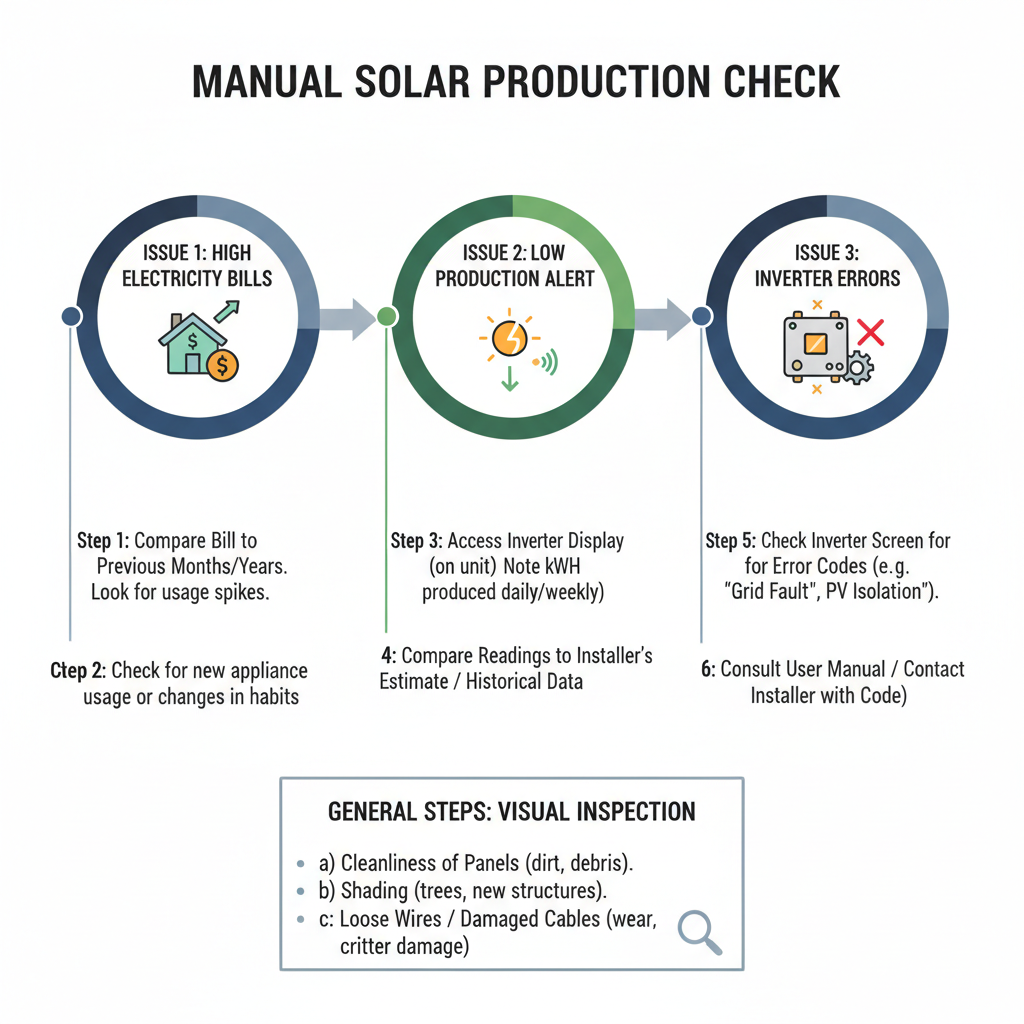
Step 1
Check the Inverter (The Source of Truth) - Look at the screen and status lights for error codes or lack of power production.
Step 2
Do a Visual Inspection from the Ground - Look for obvious dirt, debris, snow, or new shading on the panels.
Step 3
Check the Disconnects - Ensure the AC and DC disconnect switches are in the 'ON' position.
Step 4
The Inverter 'Reboot' - Follow the manufacturer's procedure to shut down and restart the system.
Step 5
Check Your Utility Meter - See if your smart meter is registering power being sent back to the grid.
Step 6
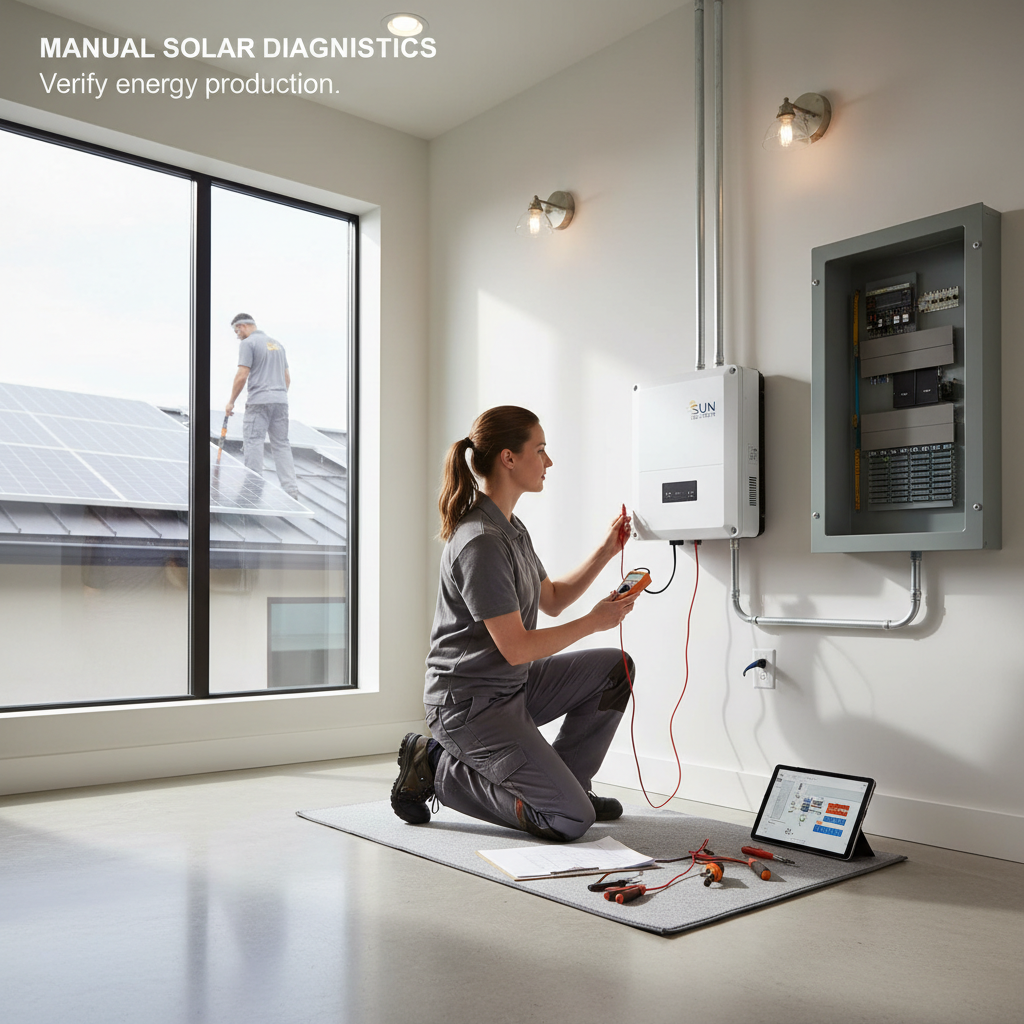
The Pro-Level Check - This involves using a multimeter to test voltage and current at the panel or string level and should be done by a professional.
DIY vs Professional Costs
| Repair Type | DIY Cost | Professional Cost | Time Required |
|---|---|---|---|
Cleaning Solar Panels | $0–$50 | $150–$400 | 1-3 hours |
Inverter Replacement (String) | Not Recommended | $2,000–$5,000+ | 3-5 hours |
Panel / Optimizer Replacement | Not Recommended | $400–$1,000+ | 2-4 hours |
Wiring Repair / Critter Guarding | Not Recommended | $500–$2,000+ | 2-6 hours |
When to Call a Professional Solar
- The inverter displays error codes like 'Ground Fault' or 'Arc Fault' that don't clear after a reset.
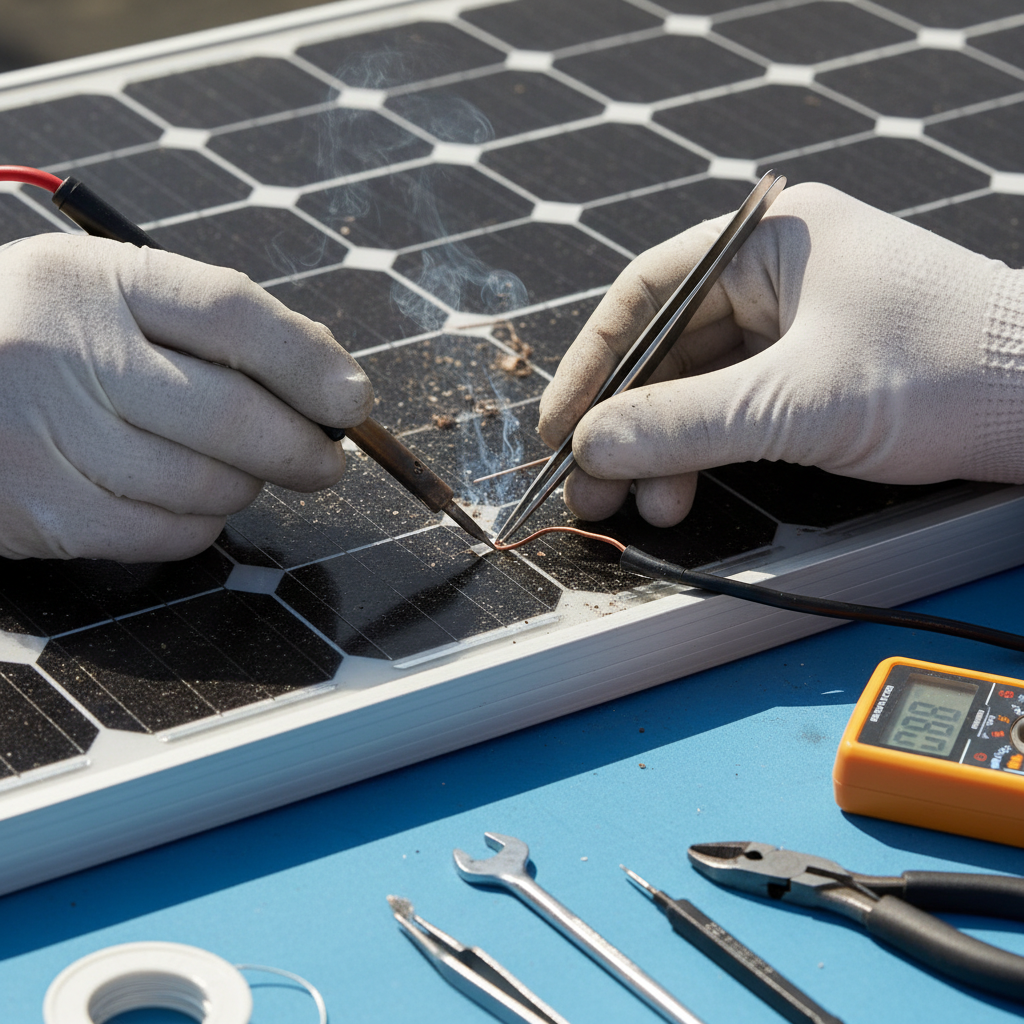
- You observe any physical damage like cracked panels, burn marks, or chewed/dangling wires.
- Production remains low after you've cleaned the panels and confirmed the system has been properly reset.
- You suspect any internal electrical issues or a problem that requires opening a panel or junction box.
- Your system is still under warranty – call your installer first to avoid voiding it.
Prevention Tips
- Regularly clean solar panels (every 6-12 months) to remove dirt and debris.
- Periodically inspect panels from the ground for any visible damage or significant shading.
- Monitor your system's production regularly through the provided online portal to catch drops early.
- Trim trees to prevent shading and install critter guards to prevent animal damage.
- Keep the inverter area clear and well-ventilated to prevent overheating.
Frequently Asked Questions
Related Guides
Your Solar App is Lying to You? (How to Manually Check Your Solar Production)
Solar monitoring app inaccurate? Your bill is high? A 25+ year tech shows you how to manually check your solar panels and inverter to find the real problem.
Solar battery backup fails to activate or provide electricity to a home during a utility grid outage, leading to a complete loss of power despite a solar-plus-storage system being installed and expected to operate during an outage. Troubleshooting & Fixes (2024 Guide)
Solar battery failed during a power outage? You're not alone. A veteran tech with 25+ years in the field shows you the common causes—from simple tripped breakers to a failed transfer switch—and what you can actually fix yourself.
Solar Panel Damage from Hail or Storms (Troubleshooting & Fixes)
Seeing hail damage on your solar panels or a drop in power? A 25+ year vet explains how to spot the problem, what to do, and when to call a pro.
Solar Monitoring App Not Working: Troubleshooting Communication Errors (2024 Guide)
Solar app not showing data? Get a veteran tech's guide to fixing communication errors yourself. Learn to reboot your system and fix connectivity issues fast.
Solar hot water system not heating water adequately, resulting in lukewarm or cold water. Troubleshooting & Fixes
Solar Inverter Error Code (Troubleshooting & Fixes)
Getting an error code on your solar inverter? A veteran tech with 25+ years of experience shows you how to troubleshoot the issue and figure out if it's a DIY fix or time to call a pro.
Need Professional Help?
Find top-rated solar experts in your area