Quick Answer
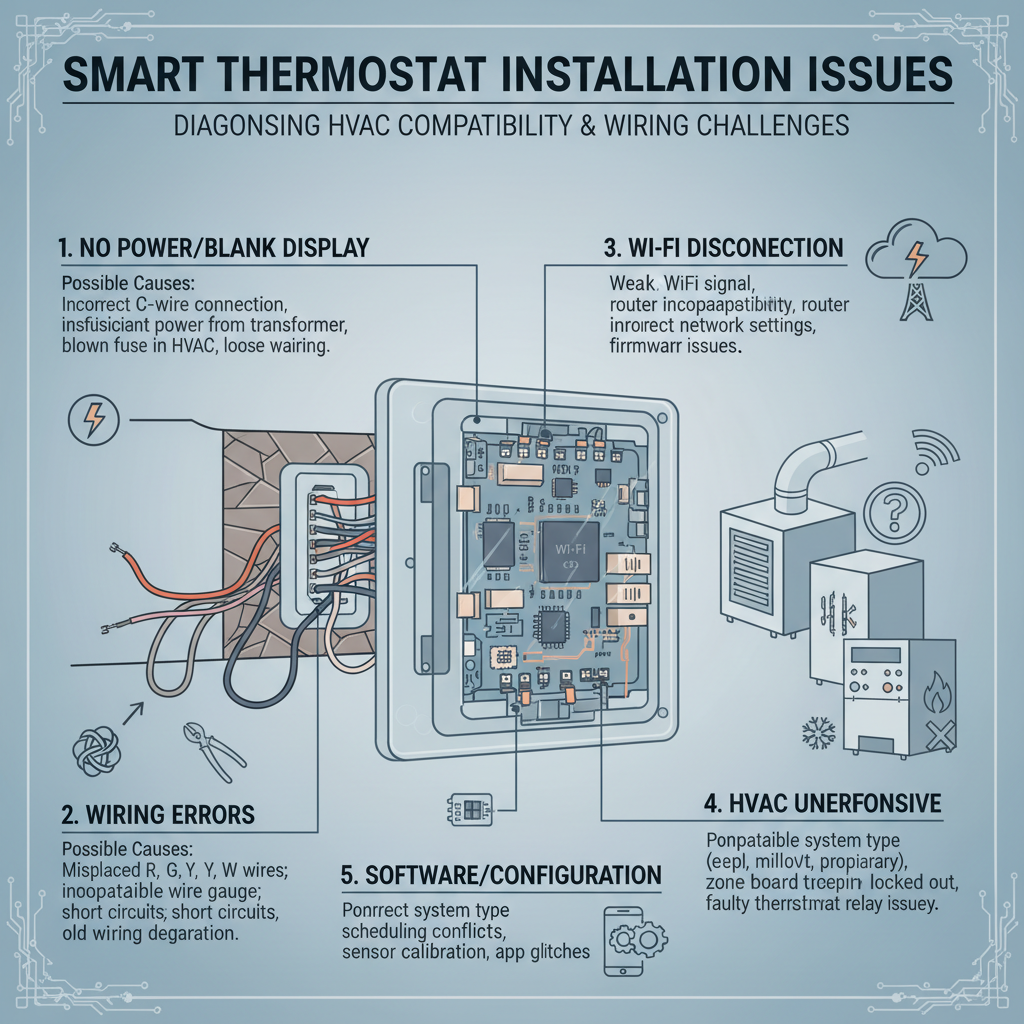
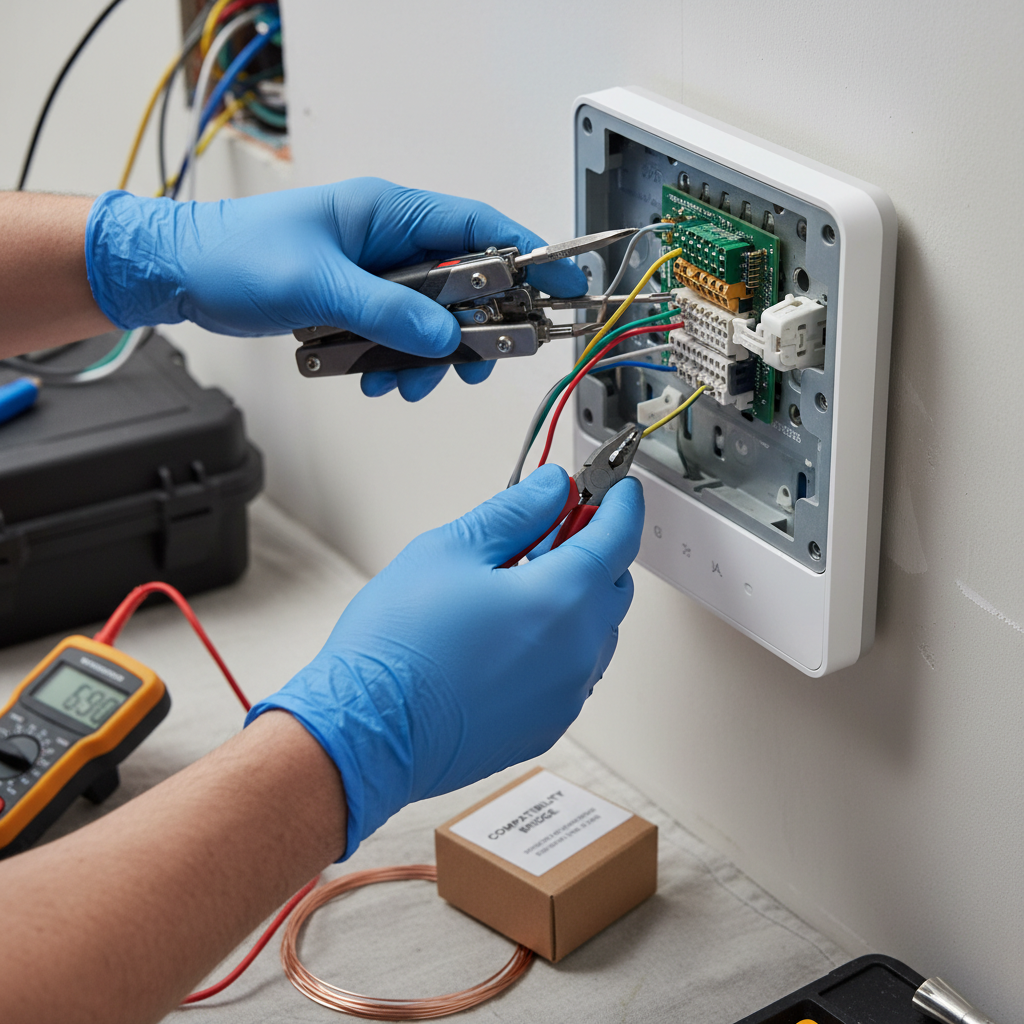
Okay, so here's the quick version. Nine times out of ten, your fancy new smart thermostat isn't working because it's not getting consistent 24V power, usually from a missing 'C' (common) wire. Smart thermostats are power-hungry. You can often resolve this with a C-wire adapter kit for about $25-$50 DIY. If you're not comfortable with electrical wiring, a HVAC professional can install an adapter for around $150-$275, or perform a basic smart thermostat installation for $100-$250. If new wiring needs to be run through walls, costs can increase significantly. Before calling a pro, always double-check your circuit breaker and refer to the wiring photo you hopefully took before starting installation.
Common Symptoms
Possible Causes
Step-by-Step Diagnosis
Step 1
Turn off power to the HVAC system at the circuit breaker before touching any wires.
Step 2
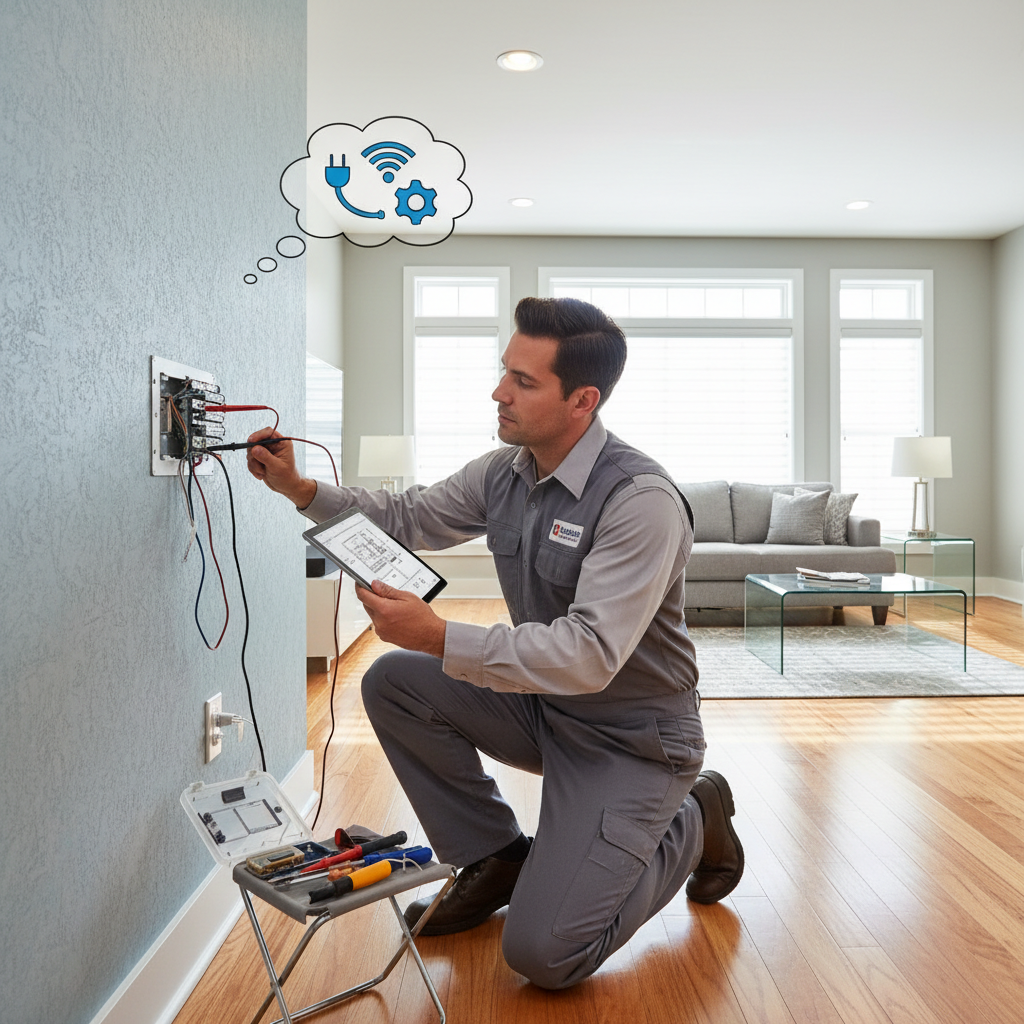
Verify wiring by comparing the new thermostat's connections to a photo of the old thermostat's wiring.
Step 3
Check for the presence and proper connection of a 'C' wire at both the thermostat and the furnace control board.
Step 4
Inspect the HVAC unit's control board for a blown automotive-style fuse (usually 3A or 5A).
Step 5
Use a multimeter to verify 24V AC power between the 'R' and 'C' terminals at the furnace and thermostat.
Step 6
Perform a factory reset on the thermostat and carefully re-do the initial setup, ensuring the correct system type is selected.
Step 7
Check Wi-Fi signal strength at the thermostat's location and consider restarting the router.
DIY vs Professional Costs
| Repair Type | DIY Cost | Professional Cost | Time Required |
|---|---|---|---|
Correcting Simple Wiring Errors | $0 | $100 - $200 | 1 hour |
Installing a C-Wire Adapter Kit | $25 - $50 | $150 - $275 | 1 - 2 hours |
Running a New Thermostat Wire | $20+ | $250 - $500+ | 2 - 4+ hours |
Replacing HVAC Control Board Fuse | $5 - $15 | $100 - $200 | 15 mins |
When to Call a Professional Hvac
- If you've confirmed you have no C-wire and are not comfortable opening your furnace/air handler to install a power adapter.
- If you repeatedly blow the fuse on your HVAC control board, indicating a persistent electrical short.
- If wiring, power, and configuration all seem correct, but the HVAC system still fails to turn on or off properly.
- If you have a complex system, such as a multi-zone system, a dual-fuel heat pump, or a proprietary communicating system (e.g., Carrier Infinity).
Prevention Tips
- Before purchasing, use the manufacturer's online compatibility checker to verify it works with your system.
- Pull your old thermostat off the wall to check if you have a 'C' wire before you buy anything.
- Always turn off power to the HVAC system at the circuit breaker before beginning thermostat installation.
- Take a clear, well-lit picture of the old thermostat's wiring before disconnecting any wires.
- Use the included stickers to label each wire as you disconnect it from the old thermostat.
- Follow the smart thermostat manufacturer's installation guide and app-based setup precisely.
- After installation, test all HVAC system functions (heating, cooling, fan) to confirm proper operation.
Frequently Asked Questions
Related Guides
Frozen AC Evaporator Coil (Troubleshooting & Fixes)
Seeing ice on your AC unit? Your AC probably isn't cooling right. A veteran tech explains why your evaporator coil is frozen and how to fix it fast.
Furnace Making Various Strange Noises? Troubleshooting & Fixes from a 25-Year Vet
Furnace making strange noises? A veteran HVAC tech explains what banging, whistling, or rattling means and how to fix it. DIY tips and when to call a pro.
Furnace Ignitor Not Glowing? Troubleshooting & Fixes from a 25-Year Pro
Furnace ignitor not glowing? An old pro with 25+ years in the field shows you why it's happening and how to fix it, from DIY replacement to a pro call.
Programmable thermostat fails to retain programmed temperature schedules or settings, resulting in improper HVAC system operation and inconsistent indoor temperatures. Troubleshooting & Fixes
Clogged HVAC condensate drain line, leading to water backup and potential system shutdown or water damage. Troubleshooting & Fixes
How to replace an HVAC air filter, including why it's important, signs it needs changing, and proper replacement procedures. Troubleshooting & Fixes
Need Professional Help?
Find top-rated hvac experts in your area