Quick Answer
Okay, so here's the quick version. Your thermostat's dead and the house is getting miserable. Nine times out of ten, it’s just dead batteries. Pop a fresh pair in. Don't be cheap, get the good ones. If that ain't it, check your home's circuit breaker and the low-voltage fuse on your furnace or air handler's control board. Still nothing? You might have a wiring issue or a busted thermostat. A DIY replacement for a basic digital thermostat is maybe $20-100. If you call me or another pro, you're looking at $150-500 for a basic replacement, or $250-800 for a smart thermostat, depending on the model and complexity. But start with the batteries. Seriously.
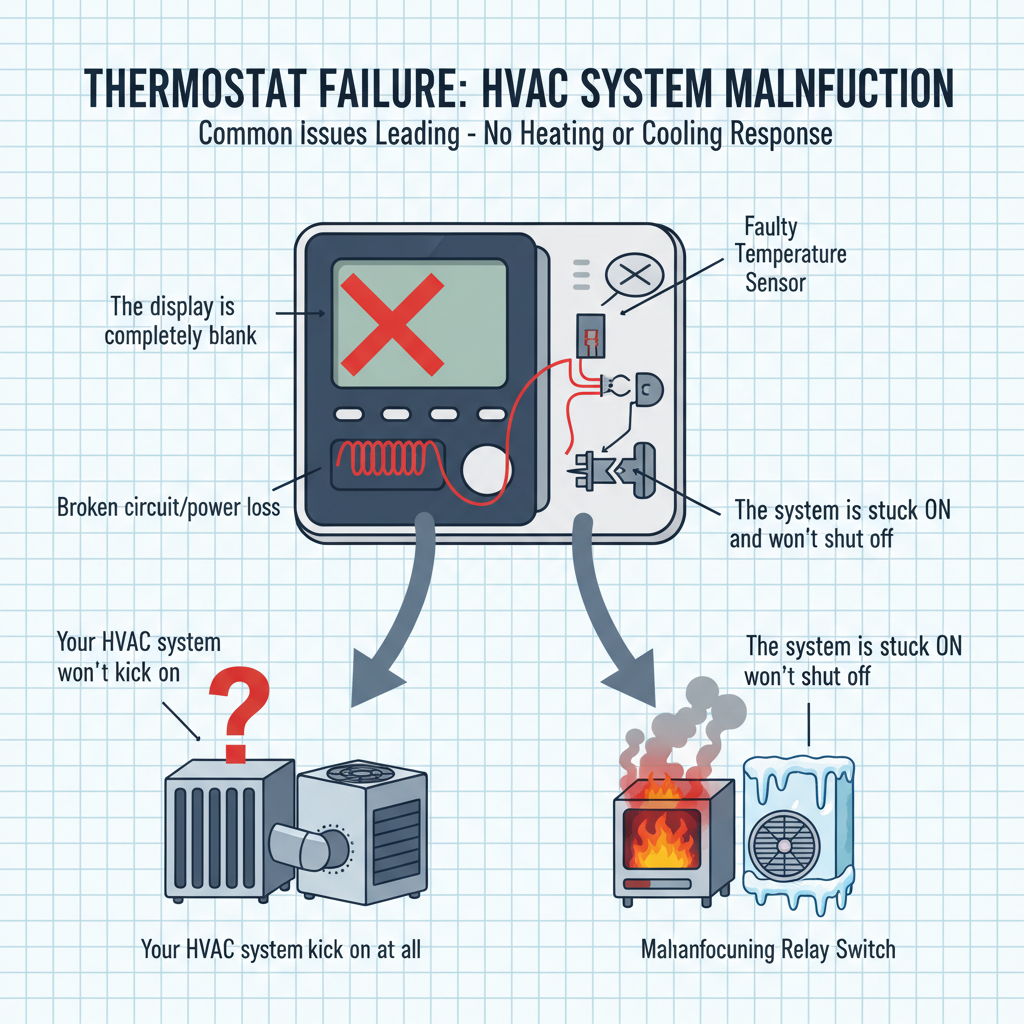
Common Symptoms
Possible Causes
Step-by-Step Diagnosis
Step 1
Check the thermostat settings (Heat/Cool/Off) and temperature setpoint.
Step 2
Replace all batteries with a fresh set, even if they don't seem dead.
Step 3
Locate the HVAC circuit breaker in your electrical panel and reset it (flip fully off, then back on).
Step 4
Turn off power at the breaker, remove the thermostat cover, and gently clean the interior with canned air.
Step 5
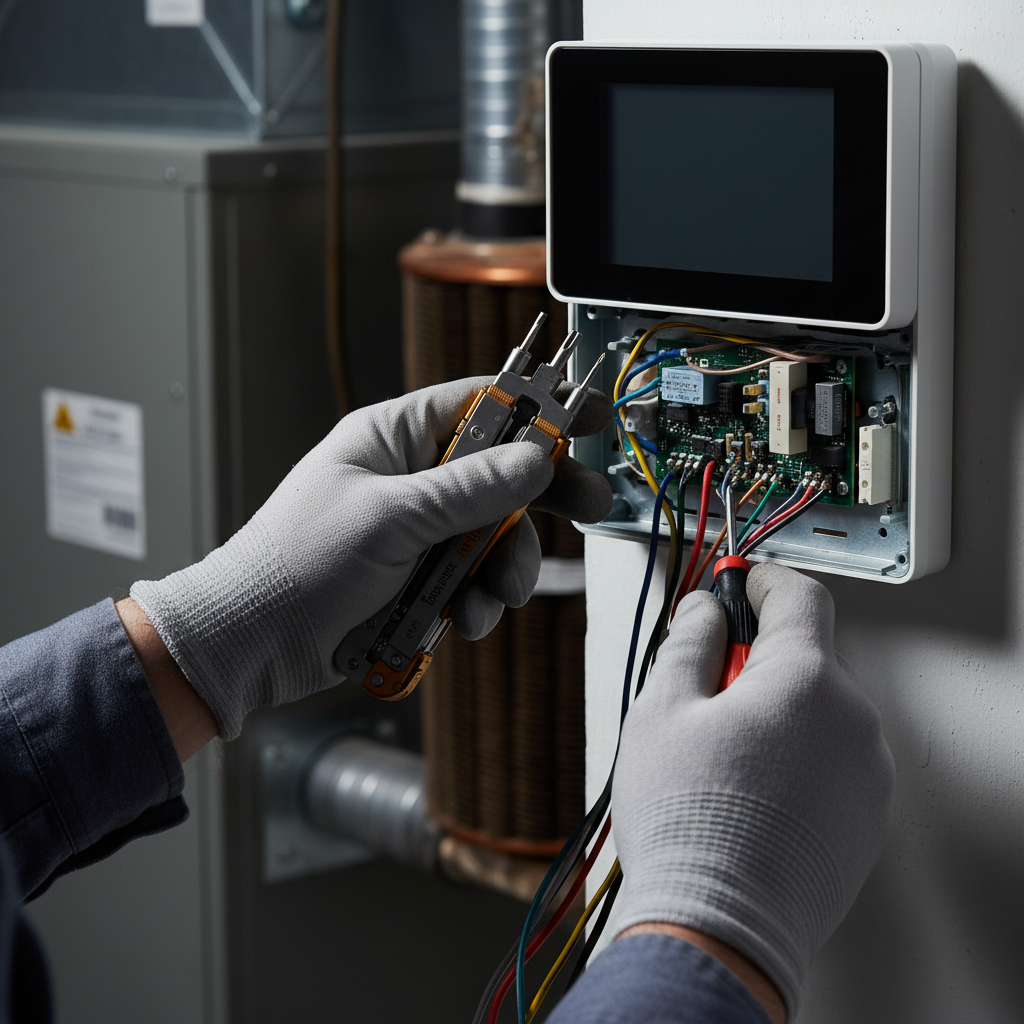
With power still off, gently tug on each wire to ensure it is secure in its terminal. Tighten any loose screws.
Step 6
(Advanced) With power off, bypass the thermostat by twisting the R and G wires together to test the fan, or R and Y for AC, or R and W for heat. If the system runs, the thermostat is the problem.
Step 7
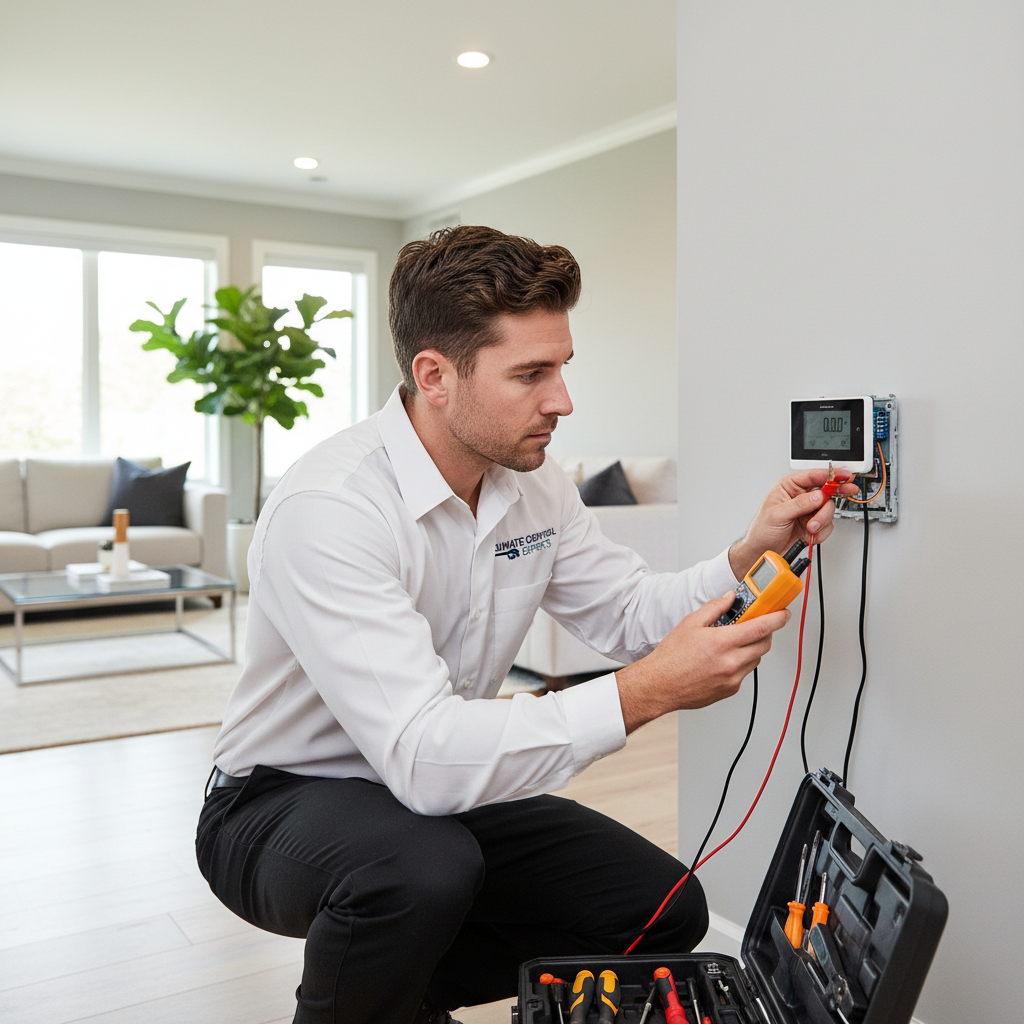
(Pro-Level) Use a multimeter to test for ~24V AC between the 'R' and 'C' terminals to verify the thermostat is receiving power from the HVAC system.
DIY vs Professional Costs
| Repair Type | DIY Cost | Professional Cost | Time Required |
|---|---|---|---|
Replace Batteries | $5-15 | $100-200 (part of service call) | 5 Minutes |
Clean Thermostat & Tighten Wires | $0-5 | $100-250 (Service Call Fee) | 15-20 Minutes |
Replace Basic Digital Thermostat | $20-100 | $150-500 | 30-60 Minutes |
Install a New Smart Thermostat (Google Nest, Ecobee) | $150-300 | $250-800 | 1-2 Hours |
When to Call a Professional Hvac
- You've tried all the basic DIY steps (batteries, breaker) and the system is still unresponsive.
- The circuit breaker trips again immediately after you reset it, which indicates a short circuit.
- You see scorch marks or smell burning odors around the thermostat or vents.
- You are not comfortable working with electrical wiring, even low voltage.
- You are installing a smart thermostat and find you don't have the necessary C-wire, requiring an adapter or new wiring.
Prevention Tips
- Change the batteries annually, regardless of whether they show 'low battery'.
- When dusting the house, pop off the thermostat cover and give it a quick puff of canned air.
- Ensure the thermostat is not located in direct sunlight, in a drafty hall, or near heat-producing appliances like lamps or TVs.
- Schedule annual professional HVAC maintenance; a technician will check thermostat calibration and connections as part of the service.
Frequently Asked Questions
Related Guides
Furnace Ignitor Not Glowing? Troubleshooting & Fixes from a 25-Year Pro
Furnace ignitor not glowing? A 25-year HVAC pro explains common causes, DIY diagnosis steps, and how to fix a faulty furnace ignitor. Learn to troubleshoot, replace the ignitor, and know when to call for professional furnace repair.
Furnace Making Various Strange Noises? Troubleshooting & Fixes from a 25-Year Vet
Furnace making strange noises? A veteran HVAC tech explains what banging, whistling, or rattling means and how to fix it. DIY tips and when to call a pro.
Bathroom Fan Not Working? (Troubleshooting & Fixes from a 25-Year Pro)
Bathroom fan acting up? Don't let moisture wreck your home. Here's how to fix that noisy, weak, or dead fan yourself, from a guy who's seen it all.
AC Unit Making Loud Noises? Identify the Sound & Fix It
Hearing banging, screeching, or rattling from your AC unit? A veteran tech explains the causes and how to fix it, from DIY tips to when to call a pro.
HVAC system short cycling (heat pump or AC unit starts and stops frequently, running for less than 15-20 minutes at a time) Troubleshooting & Fixes
Fix your HVAC system's short cycling problem! This comprehensive guide helps you diagnose and solve why your AC or heat pump turns on and off too frequently, preventing high energy bills and system damage. Learn DIY checks and when to call a pro.
Thermostat Not Working? Your Step-by-Step Troubleshooting Guide
Thermostat on the fritz? Don't sweat it (or freeze). I'm a vet tech with 25+ years in the field and here's my no-nonsense guide to figuring out what's wrong and how to fix it...or when to call a pro.
Need Professional Help?
Find top-rated hvac experts in your area